Guides
Physical Therapy Scheduling Software: Compare 5 Tools for Independent Clinics
Physical therapy scheduling software comparison for US clinics: five tools judged on HIPAA, telehealth consent, payer mix, price and front-desk fit.
What to take away
- Scheduling is the part of a practice management suite that decides whether a slot gets filled, so judge tools on booking logic, reminders and payer rules before you look at the billing module.
- Prices below are monthly per provider in USD and labelled illustrative unless a vendor publishes them.
- HIPAA applies to any tool that stores or transmits protected health information, including text reminders. The Privacy Rule sets the baseline.
- Telehealth consent rules are state-specific. A scheduler that cannot store a consent flag per patient will cost you staff time later.
- No tool on this list fixes a broken front-desk process. Software records decisions; people still make them.
The criteria that matter
Independent US clinics rarely need every feature in a suite. They need five things to work. The table below sets the criteria against the five tools compared here.
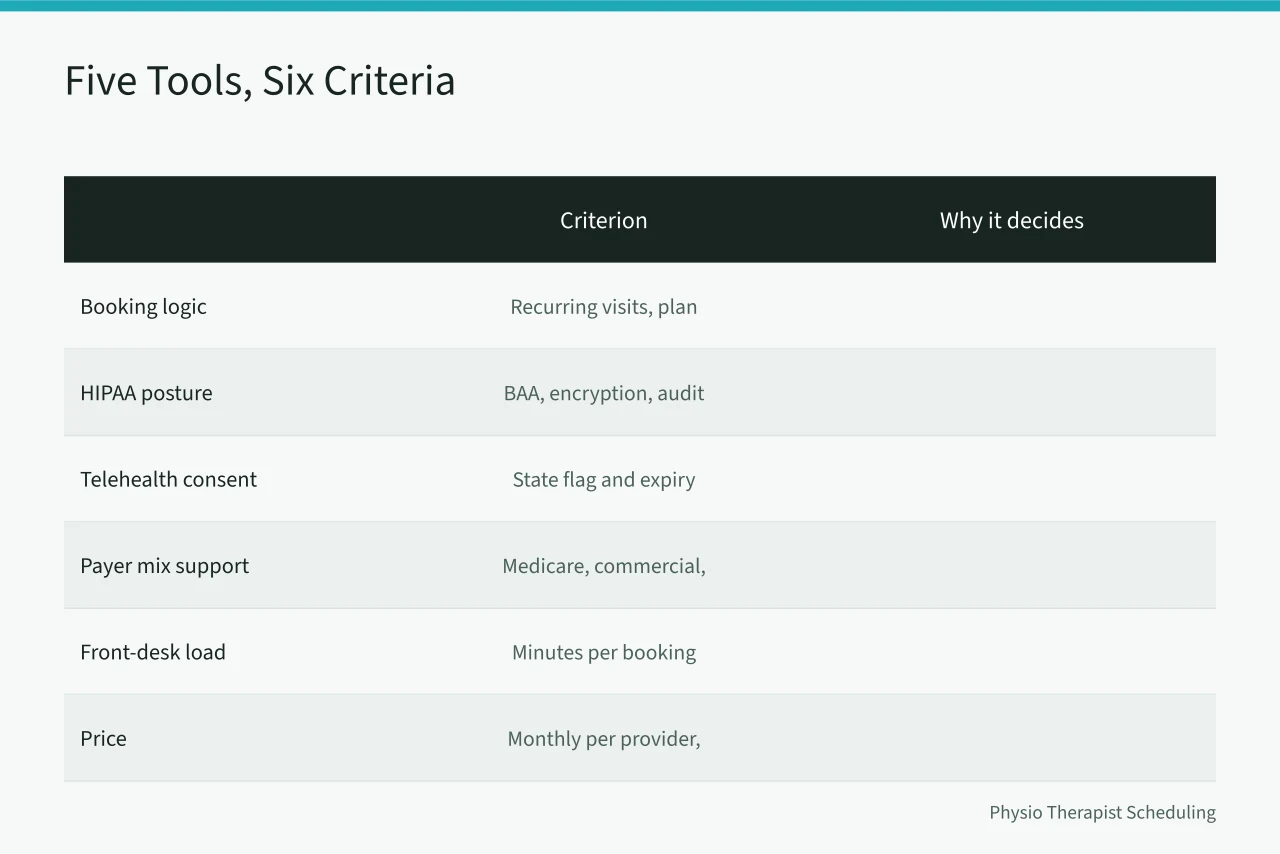
| Criterion | Why it decides the purchase |
|---|---|
| Booking logic | Recurring visits, plan-of-care limits and double-booking rules differ by clinic |
| HIPAA posture | Business associate agreement, encryption, audit log and message handling |
| Telehealth consent | Can the record hold a state-specific consent flag and expiry date |
| Payer mix support | Medicare, Medicare Advantage, commercial and cash-pay rules in one calendar |
| Front-desk load | Minutes per booking, waitlist tools and no-show recovery |
| Price | Monthly per provider, setup fee and add-ons in USD |
Option by option
Clinicient. Built around therapy workflows, with plan-of-care tracking and Medicare visit-limit counters. Pricing is quoted, not published, so treat any figure you hear as illustrative. It suits clinics billing Medicare heavily. For the rules behind those counters, see Medicare scheduling rules.
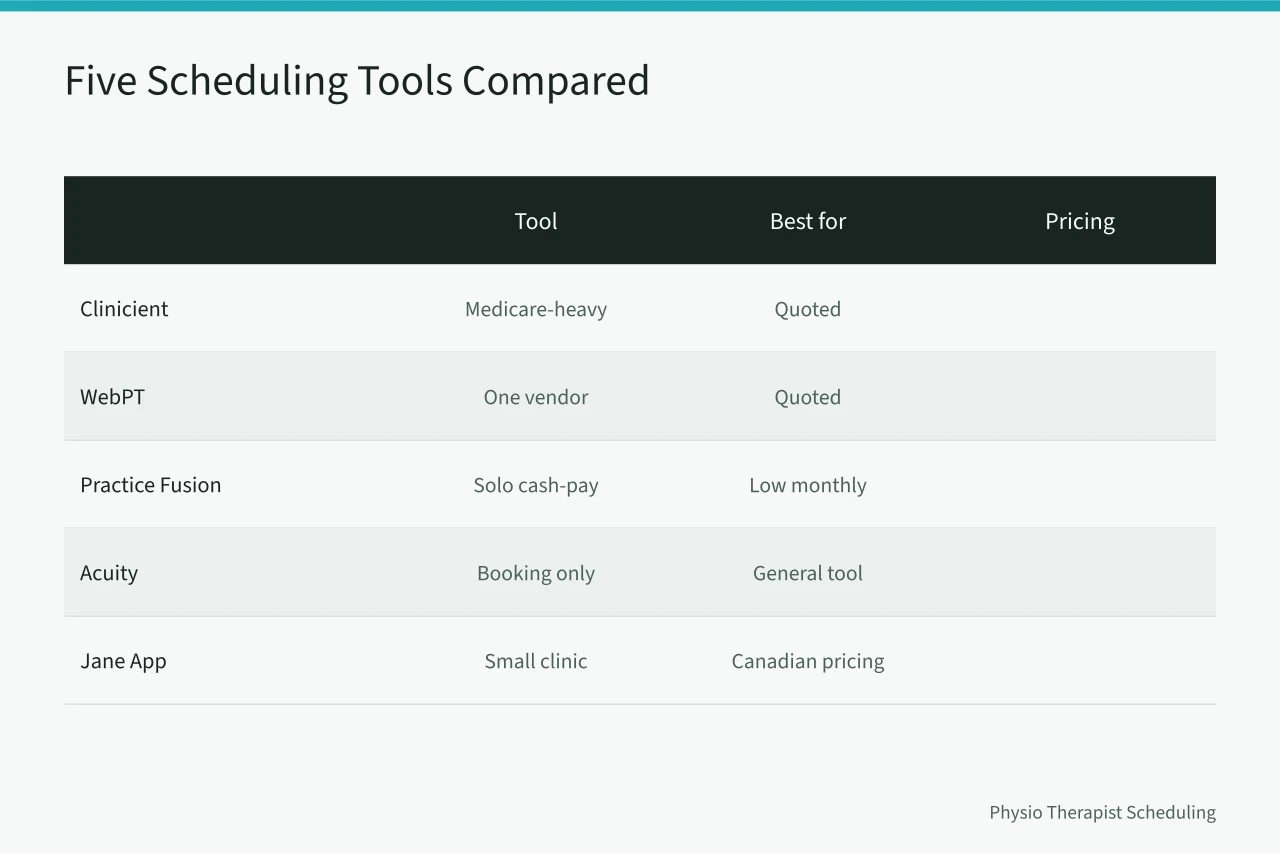
WebPT. The largest installed base among US outpatient therapy clinics. Scheduling, documentation and billing sit in one record. It is the safe pick when you want one vendor and a training library. Pricing is quoted per provider.
Practice Fusion. A general ambulatory EHR with a lighter scheduler. Cheap for a solo practitioner, thin on therapy-specific visit limits. It fits a cash-pay or small commercial practice more than a Medicare-heavy one.
Acuity Scheduling. A general appointment tool, not a therapy EHR. It books well and texts reminders. It will not hold a plan of care, so you need a separate clinical record. The Wikipedia entry on appointment scheduling software explains the category split.
Jane App. Popular with small multidisciplinary clinics. Clean booking, charting and telehealth in one place, with published Canadian pricing that US clinics often quote as a starting point. Confirm US billing and payer support before you commit.
Where each one wins
Clinicient wins for a Medicare-heavy clinic that needs visit-limit tracking inside the calendar. WebPT wins when one vendor for scheduling, notes and claims matters more than price. Practice Fusion wins for a solo cash-pay practitioner who wants a low monthly cost. Acuity wins when you already run a separate clinical record and want booking to be simple. Jane App wins for a small clinic that wants booking and notes together without a large suite.
What none of them solve
Every tool here assumes someone at the front desk makes a judgment call. None of them verifies a patient's insurance eligibility in real time, and none resolves a payer dispute. None removes the need for a state-specific telehealth consent check before the first virtual visit. HIPAA obligations sit with the practice, not the vendor, as the Privacy Rule makes clear.
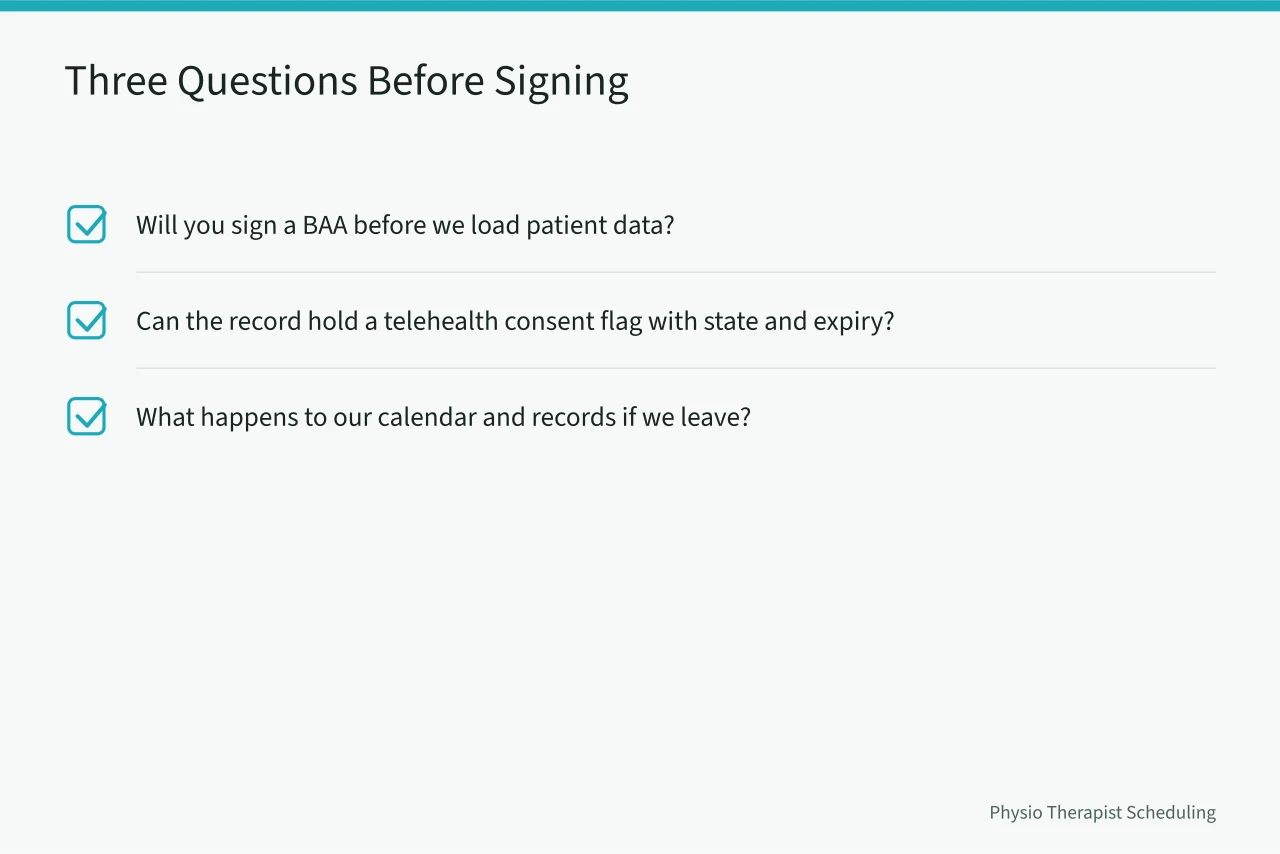
Before you sign, ask three questions of every vendor:
- Will you sign a business associate agreement before we load patient data?
- Can the patient record hold a telehealth consent flag with a state and an expiry date?
- What happens to our calendar and records if we leave?
Questions to ask before committing
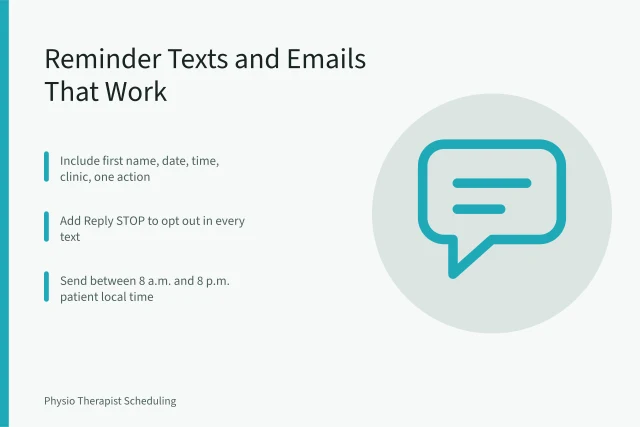
- Does the reminder system send protected health information, and is that covered by your BAA?
- Can we set different booking rules for Medicare, Medicare Advantage and cash-pay patients?
- Does the waitlist fill a cancelled slot automatically, or does staff do it by hand?
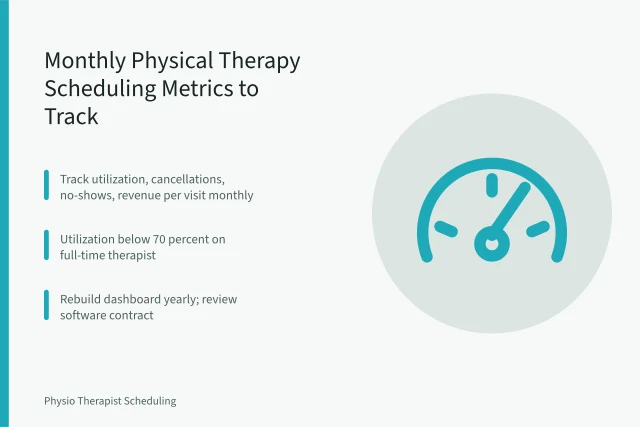
- What is the total monthly cost per provider after add-ons?
- How long does data export take if we switch?
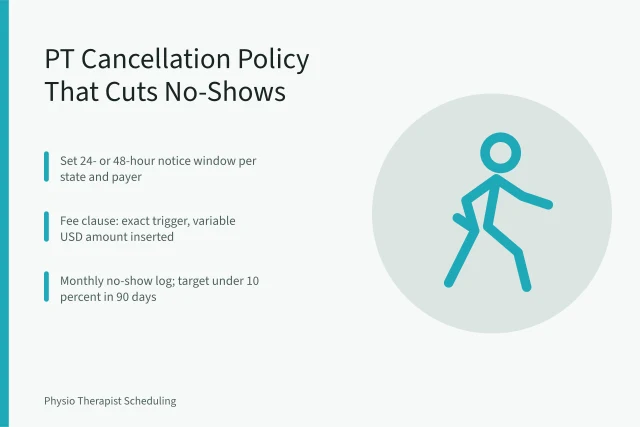
A scheduler is a record of decisions. If your front desk has no rule for a late cancellation, the software will simply record the empty slot faster.
Common questions
Is a general booking tool HIPAA compliant? Only if the vendor signs a business associate agreement and handles messages accordingly. A consumer booking app usually will not.
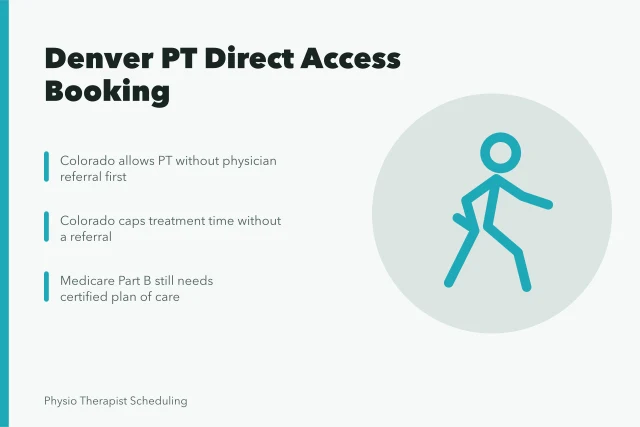
Do I need separate software for telehealth consent? Not usually. Most therapy EHRs can store a consent flag, but you must configure it per state. Check your state board rules before the first virtual visit.
How much should a small clinic budget? Illustrative ranges run from about $30 to $100 per provider per month for booking-only tools, and higher for full therapy suites. Vendors that quote rather than publish make comparison harder.
Can I run two tools at once? Yes, and many clinics do: one for booking, one for clinical records. The cost is duplicate entry and a second place where a mistake can hide.